
Team
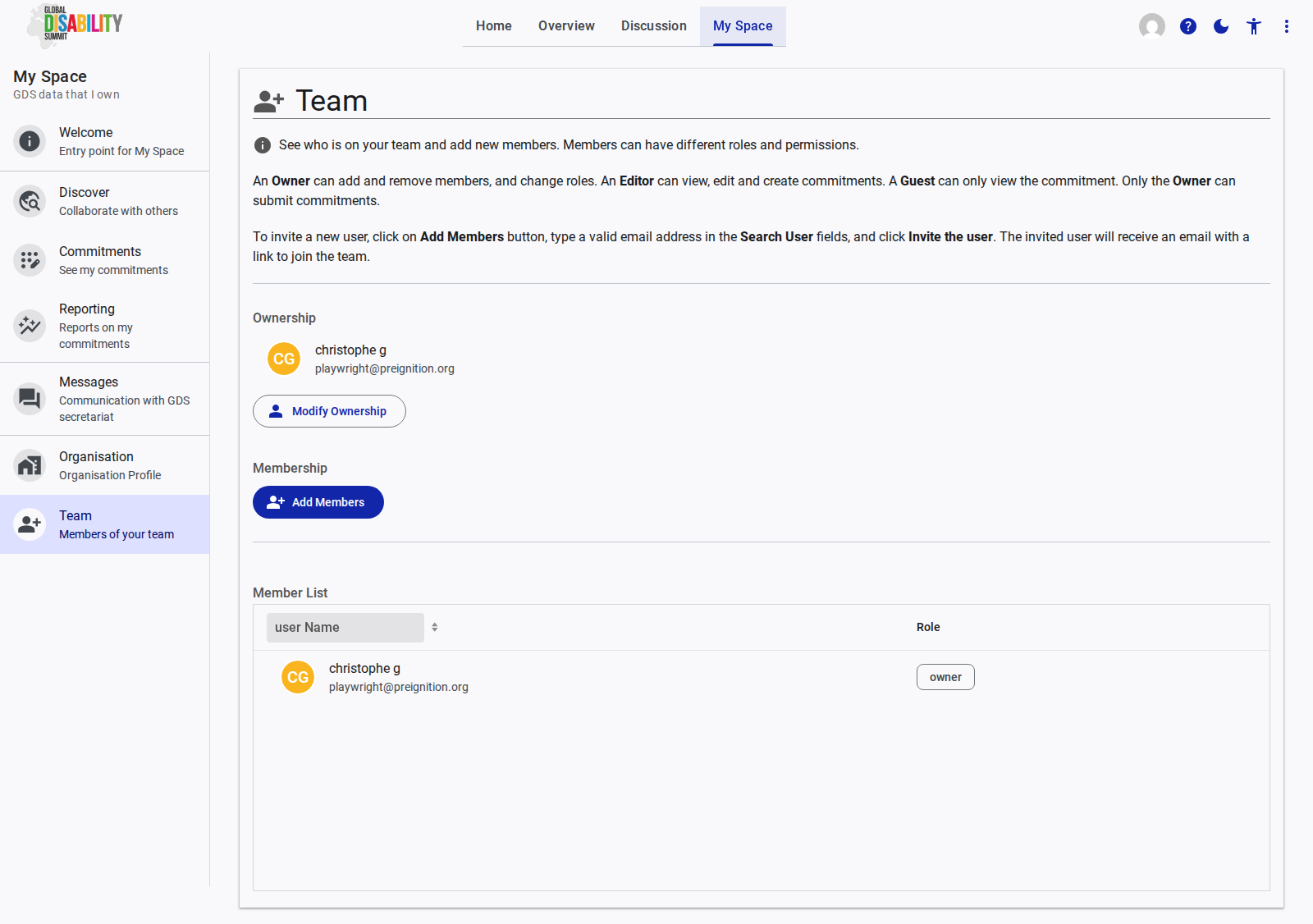
The Team page allows you to manage which users have access to your organization's space on the GDS Portal. It provides tools for inviting new members and assigning appropriate roles and permissions.
Roles and Permissions
Members of your team can be assigned different roles, dictating their level of access:
- Owner: Has full administrative rights. An Owner can add and remove members, change user roles, and submit commitments on behalf of the organization.
- Editor: Can view, edit, and create commitments, but cannot submit them or manage team members.
- Guest: Has read-only access. Guests can view the organization's commitments but cannot edit or submit them.
Managing the Team
Ownership
This section displays the current Owner of the organization's profile. If necessary, the ownership can be transferred using the Modify Ownership button.
Membership (Inviting Users)
To add a new member to your team:
- Click the Add Members button.
- Enter a valid email address in the Search User field.
- Click Invite the user.
The invited user will receive an email containing a secure link to join your organization's team on the portal.
Member List
The Member List displays a table of all current users associated with your organization, showing their user Name and assigned Role.